
When you are asked to create a logo, I will always start by telling you what the logo should be about. Here is an example:
Do you know Viral videos? like videoes and stories that go viral on the net? We have a Danish site only displaying viral stories. Its called: “KLIK OG SE”, which is Danish for “Click and watch” or “Click and see” or “Click and read” etc. You get the idea… please make a logo for this.
You will now have 15 minutes together with your favorite AI and your graphical skills (remember we have a login for https://app.leonardo.ai/ – henrik@thecustomerrobot.com – Magic+505). Just make sure you have at least 3 different suggestions, but preferably more. After the 15 minutes are up, send me the mockups.
I will then either choose one design or ask you to make revisions. Maybe I will provide you with a logo I designed in AI from the start. In this case, I got this:
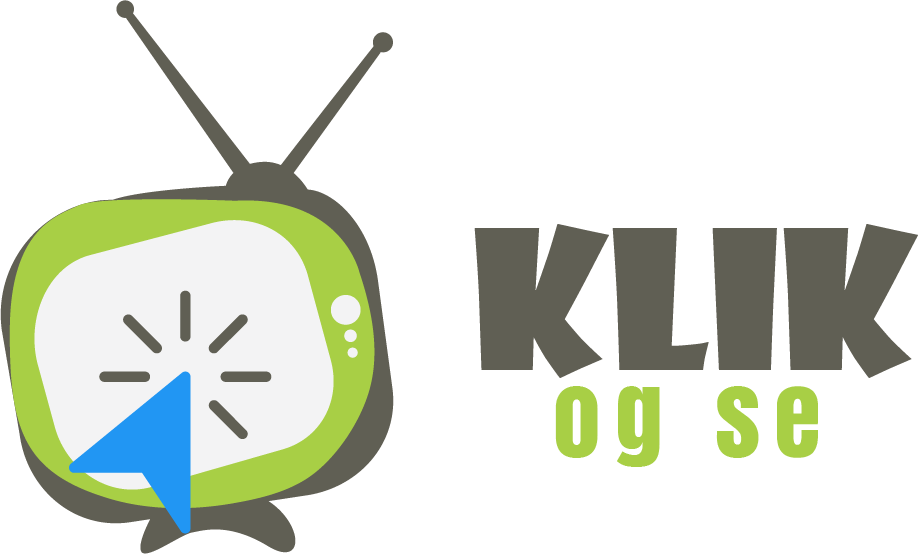

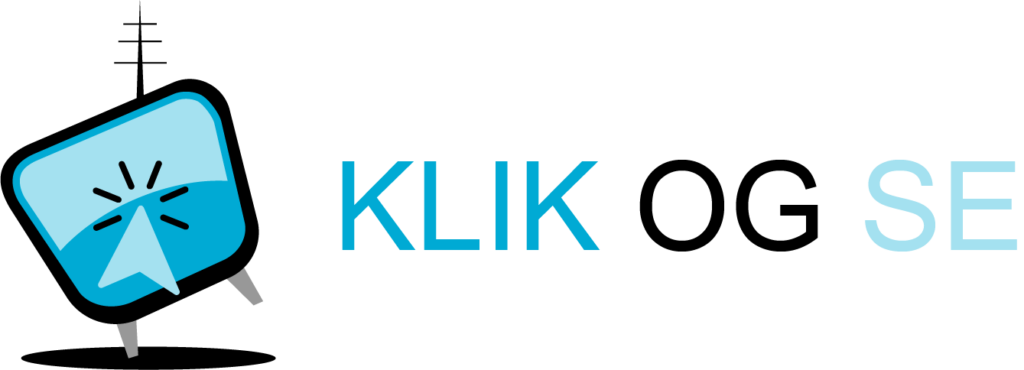
I now picked the red one, but asked for this:
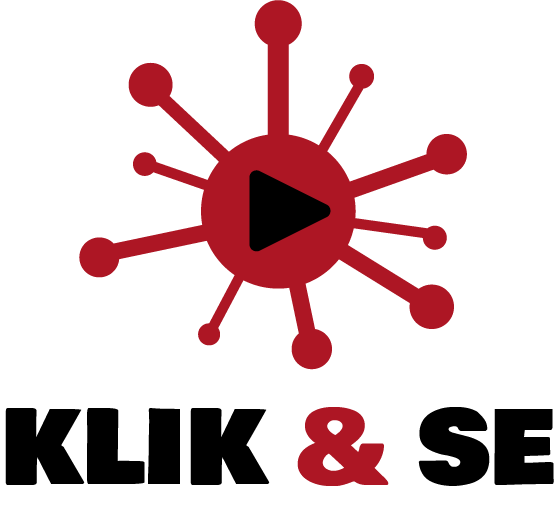
- Replace “OG” with “&” and make it red like the icon
- Make the white play in the red icon in black
- Make “KLIK” and “SE” in black
I now got this back:

This was how I wanted it, and I now ask for a logo package, which is a zip file containing:
- A vertical version of the logo cropped and trimmed as a PNG – Under 50 KB – transparent background, cropped and trimmed. Name the file “BUSINESSNAME-horizontal.png” so in this case “klik-og-se-horizontal.png”
- A horizontal/square version of the logo cropped and trimmed as PNG – Under 50 KB – transparent background, cropped and trimmed. Name the file “BUSINESSNAME-vertical.png” so in this case “klik-og-se-vertical.png”
- The icon cropped and trimmed, without any text, as PNG in 512×512 pixels – Under 50 KB – transparent background, cropped and trimmed. Name the file “BUSINESSNAME-icon.png” so in this case “klik-og-se-icon.png”
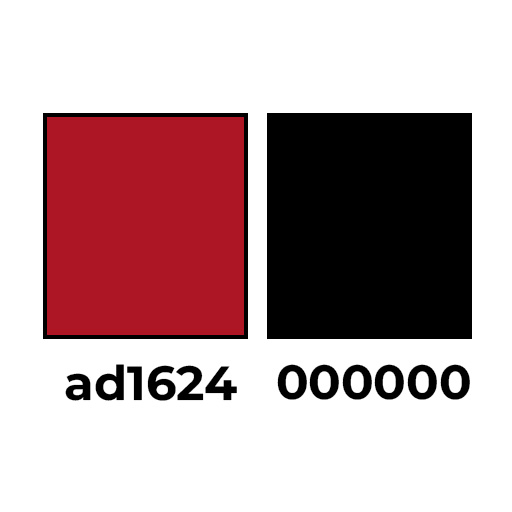
- A colorchart with the codes you used
- A layered file of the logo in vector as PSD or AI. Name the file “BUSINESSNAME-raw” so in this case “klik-og-se-raw”
Here is how that should look:
- A vertical version of the logo cropped and trimmed as PNG:

- A horizontal/square version of the logo cropped and trimmed as PNG:
- The icon cropped and trimmed, without any text, as PNG in 512×512 pixels:

- And this colorchart:
- Now, add your layered vector file in PSD or AI, name them “BUSINESS NAME – LOGO PACK” zip them up, and send me.